Start with the video you intend to finish. A landscape film for a television and a vertical clip for a phone ask different things of a drone camera. Write down the delivery shape and frame rate first. Then compare the exact recording modes that can produce them.
Match the whole mode
The DJI Flip records normal 4K video up to 60 fps and offers 4K/100 slow motion. Those entries serve different purposes. A slow-motion capture rate should not be treated as a promise that every colour mode, crop and recording feature works at that rate. Open the specification footnotes rather than comparing only the largest numbers in a shop listing.
Look at the lens before the zoom claim
A wider view can make an establishing shot easy; a narrower one can isolate a distant detail. Digital cropping and changing to a separate camera are different operations. The Mavic 4 Pro has three cameras with different sensors, including a Four Thirds main camera. Its main-camera specification does not describe the two telephoto cameras. Check the camera and mode you would actually use.
Decide how much editing you want
A ready-to-share colour profile suits a quick turnaround. A log profile adds a colour-grading step, so check that your editor supports the files and that you want that work. Resolution alone says little about highlight handling or visible noise. Sample footage is more informative when it uses the same lens, settings and lighting as the work you plan to make.
Check how vertical video is made
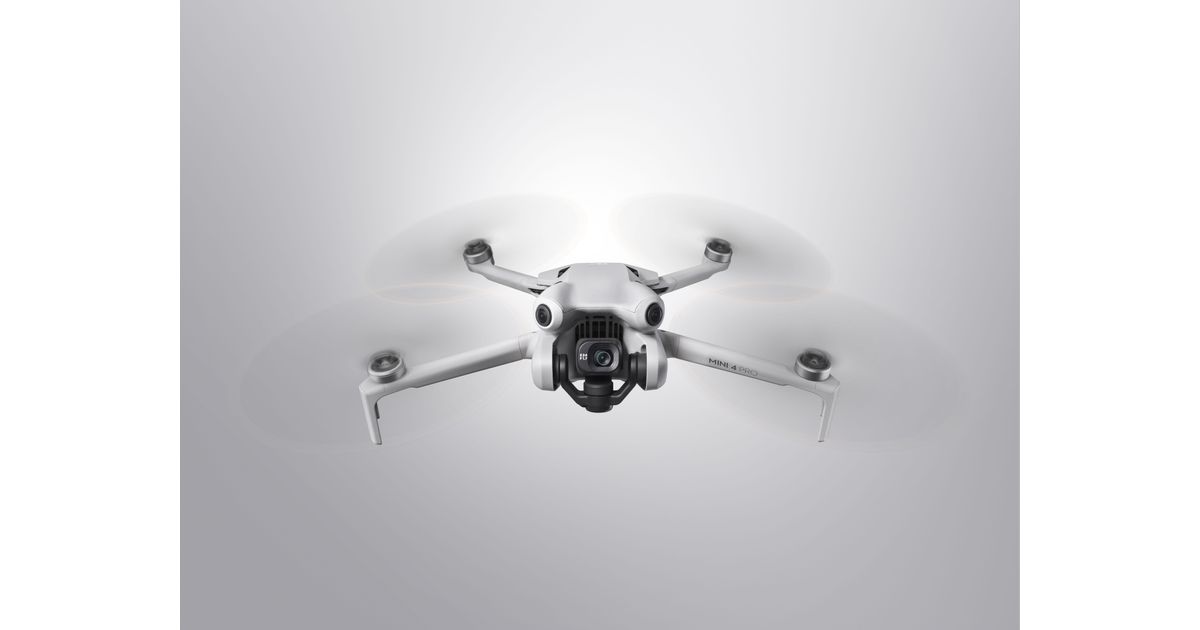
The Mini 4 Pro can rotate its camera for vertical recording. The Flip lists a separate 2.7K vertical mode. Both can serve a phone screen, but their output dimensions differ. Before buying, download an original sample file if the manufacturer provides one, open it in your editor and export a short clip. That small workflow check can uncover a problem that a long specification table misses.