
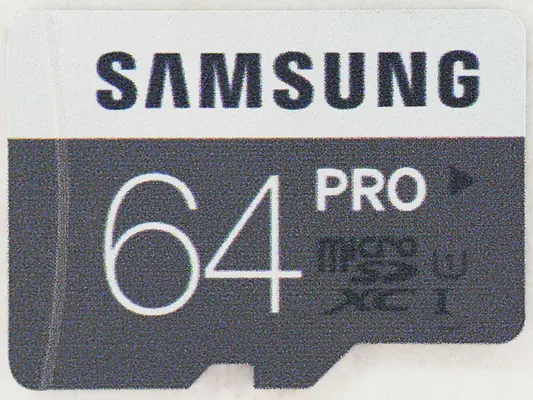
A large number on a microSD card often describes a peak transfer speed. Continuous video recording depends on sustained writing, so choose from the aircraft manufacturer’s compatible-card list before comparing capacity or the headline megabytes per second.
Read the recording rating
The SD Association separates bus speed from speed-class ratings. Video Speed Class V30 denotes a minimum sequential write rate of 30 MB/s under that standard. It is not a promise that a card will work with every camera: the host’s supported capacity, interface and required class still matter. A1 and A2 describe application performance, so those marks alone do not establish suitability for a drone’s video mode.
Estimate space from bitrate
Use the bitrate for your chosen recording mode when it is available. For an illustrative 100 Mb/s stream, ten minutes is about 7.5 GB before container overhead: 100 megabits divided by eight, multiplied by 600 seconds. That is arithmetic, not a measured file size for a particular drone. Variable bitrate and changing modes alter the result.
Treat internal storage as another location
DJI lists 2 GB inside the Mini 4 Pro, 42 GB in the Air 3S and 49 GB in the Neo 2. Check where each clip is being recorded. Finishing a card copy does not back up footage still inside the aircraft. Nominal capacity and space available for new recordings can differ; inspect the remaining-space display before leaving.
Close the shoot with a verified copy
Stop recording and power the aircraft down before removing its card, following its manual. Copy the original files into a dated folder, then make a second copy on another drive. Open several clips from each copy, including the last one recorded, and compare file counts and sizes. Keep the card unchanged until you have checked both copies. Format it in the aircraft only after the footage is safely backed up and you are ready to reuse it.